ESP
Battlefield 6 ESP: What It Shows and How to Configure It
A plain explanation of every visual option in the Battlefield 6 Hacks menu, and how to set it up so your screen does not turn into a mess. New to the product? Start with how to buy and PC requirements.
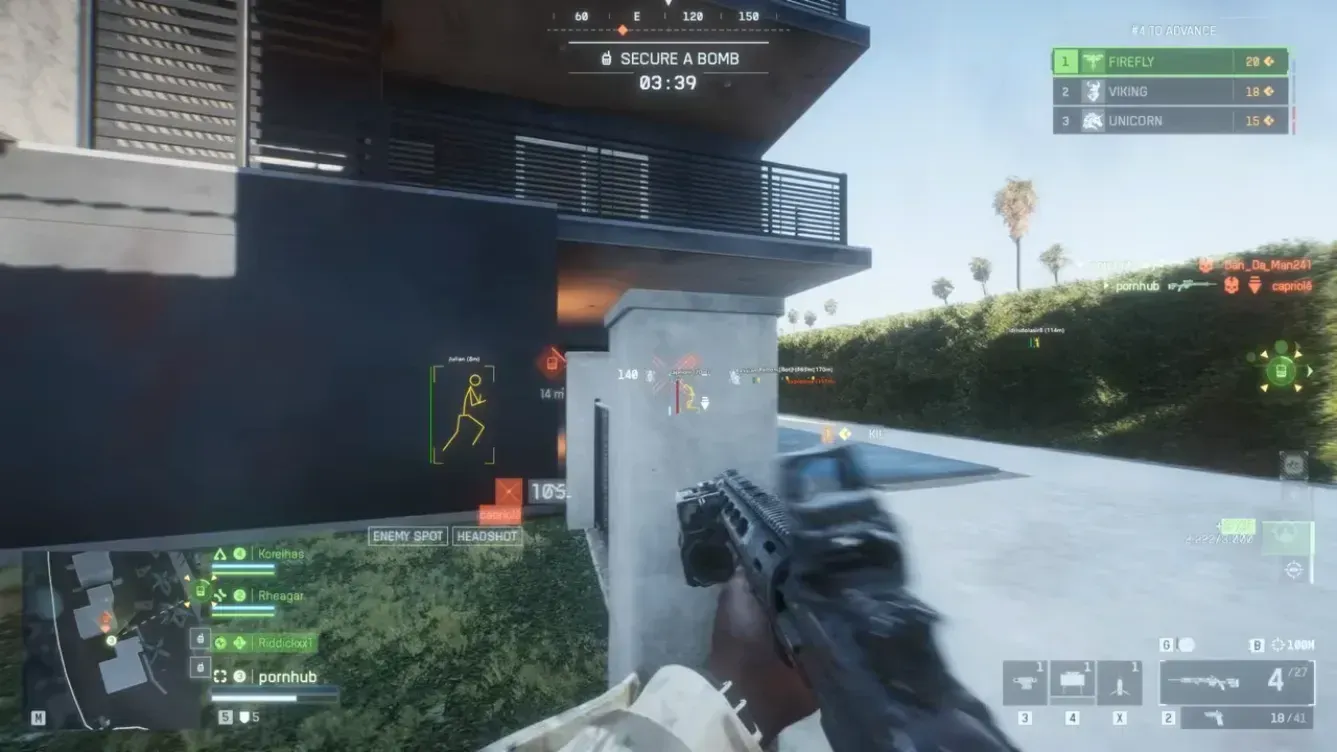
Player ESP and Bot ESP
ESP stands for extra sensory perception. In a game like Battlefield 6, with big maps, vehicles and team based combat, it means drawing information on your screen about other players that you would not normally see at a glance. People also call this wallhack, though what matters is the options behind the name. Here is what the Battlefield 6 Hacks visuals menu offers.
The two main toggles. Player ESP draws information on other players. Bot ESP does the same for bots, which matters if you are in modes or lobbies where bots are present. You can turn them on independently.
The display options
Once ESP is on, you pick what gets drawn.
- Box: A rectangle around the target. The simplest and most readable option.
- Skeleton: A bone outline of the player model. Helpful for seeing posture and facing.
- Snapline: A line from a fixed point on your screen to the target, so you can see where someone is even when they are off center.
- Name: The player's name above them.
- Health Bar: A bar showing how much health they have left.
- Distance: How far away they are.
Max distance
This setting limits how far ESP draws. It is more useful than it sounds. On a large map, drawing every target everywhere gets cluttered fast. A shorter max distance keeps the information relevant to what is close to you.
Keeping your screen readable
The common mistake is turning everything on at once. Boxes, skeletons, snaplines, names, health bars and distance for every target adds up to visual noise, and then you cannot read any of it. A better approach is to start with one or two options, such as box and distance, and add more only when you find you need them.
Some practical starting points:
- Box plus distance for a clean, minimal setup.
- Add a health bar if you want to judge fights quickly.
- Use skeleton if boxes feel too blocky for you.
- Use snaplines sparingly, since they can add a lot of lines on a busy screen.
Saving what works
The menu includes a config system where you can save, load, share and delete setups. Once you find a layout that suits you, save it so you do not rebuild it each session.
Before you start
You will need Windows 10 or 11, an Intel or AMD CPU, and HVCI, Core Isolation, TPM and Secure Boot enabled. Our setup guide covers how to check those. For the aim side of the product, see the aimbot settings guide.
Using any of this in online matches carries risk, which we explain in our ban risk guide. You can see the full feature list on the Battlefield 6 product page.