चीट गाइड
How to Buy Battlefield 6 Hacks
A plain walkthrough of buying Battlefield 6 Hacks: what is in the package, the two pricing options, what your PC needs first, and what happens after checkout.
What is included
If you have decided you want a Battlefield 6 cheat, the next question is usually practical. What do you actually get, what does it cost, and what happens between clicking buy and being in a match? This guide covers the Battlefield 6 Hacks license step by step so you know what you are paying for.
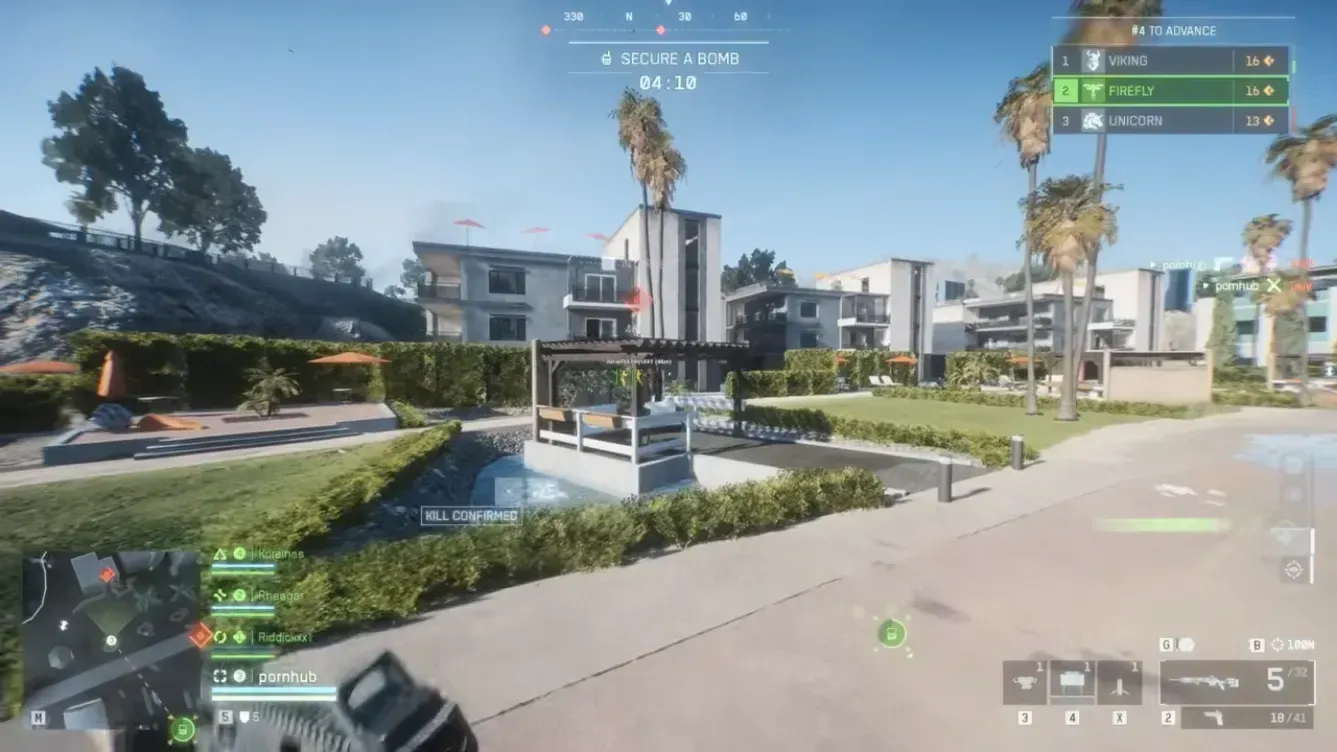
Battlefield 6 Hacks is built around three areas, all controlled from one in-game menu.
- Visuals: Player ESP and Bot ESP, with box, skeleton, snapline, name, distance and health bar options, plus a max distance setting.
- Aimbot: Toggle or always-on aim, bone selection (head, neck, body, pelvis), customizable aim bind, smoothness, FOV and distance, options to target bots or teams, a visible check, and optional FOV border and background drawing.
- Misc: A crosshair (style, size, thickness), a config system to save, load, share and delete setups, menu language in English or Chinese, an FPS limit, and separate menu and unload binds.
If you want the detail on each area, we break them down in separate guides on ESP and on aimbot settings.
What it costs
There are two options on the product page.
- Monthly: $35 for 31 days of access.
- Lifetime: $150 for unlimited access.
Prices can change, so treat the product page as the final word. We cover how to choose between the two in our pricing guide.
Check your PC before you pay
This matters more than most buyers expect. The product lists these requirements:
- Windows 10 or 11
- Intel or AMD processor
- HVCI on
- Core Isolation on
- TPM on
- Secure Boot on
If any of those are off on your machine, you will need to change them before the cheat will work for you. Our setup guide walks through checking each one. Do that first, then buy.
What happens after checkout
The store uses secure checkout and instant digital delivery. After purchase you get access to the current loader, which is what you use to run the product. From there you follow the setup steps in the docs, open the menu in game, and configure it to your liking.
If something does not behave as expected, you can reach support through tickets or the Discord linked on the site. The product page also lists 24/7 support.
Before you decide
A few honest points. Using cheats in an online game goes against the game's rules, and nobody can promise you a risk free experience. We have written about that openly in our guide on ban risk, and we recommend reading it before you buy. You can also check the status page to see the current state of the product.
If you want to try it out without a big commitment, the monthly option exists for that reason.
Ready to look at the full details? Head to the Battlefield 6 product page.